Production Reference Tool
Keep your AI drama scenes organized and consistent.
Save character and location references, write scene prompts, and track take continuity.
One-time payment. No recurring monthly fee.
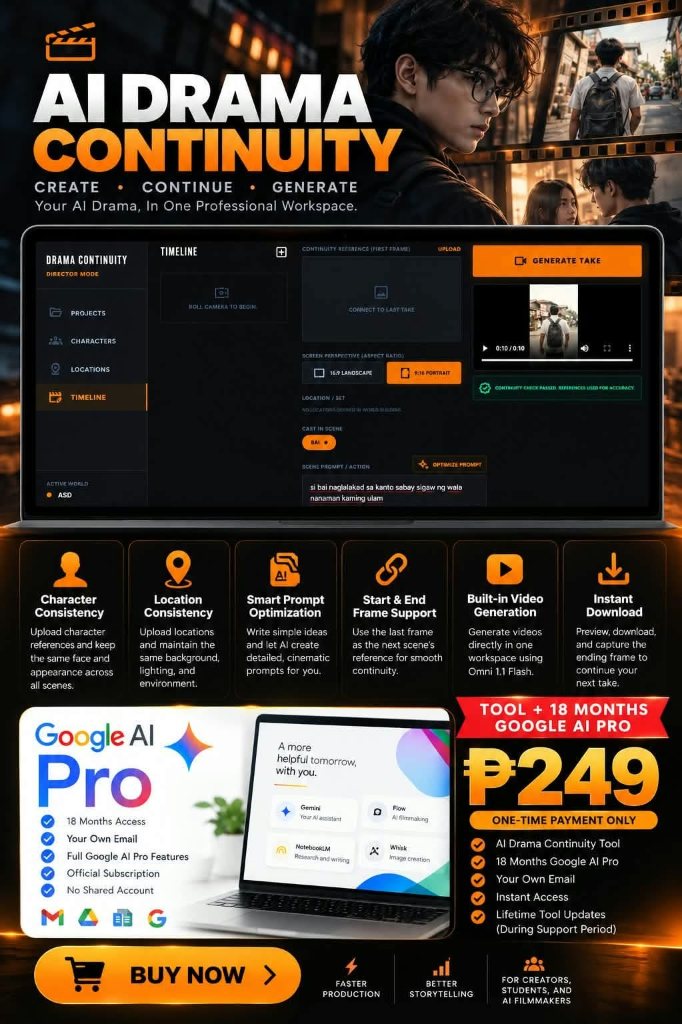
Production Reference Tool
Save character and location references, write scene prompts, and track take continuity.
One-time payment. No recurring monthly fee.
For creators producing episodic video, short films, and multi-scene drama.
Save portrait photos, face traits, costume notes, and keywords to maintain appearance across scenes.
Save lighting notes, camera angles, and background props so subsequent scenes stay in the same setting.
Structure your script scene by scene. Write prompts, assign characters, and save dialogue before generating.
Record the end frame of each take to use as the starting image reference for the next take.
Plan widescreen 16:9 for YouTube and cinema, or portrait 9:16 for TikTok, Reels, and Shorts.
Download scene lists, prompt sequences, and reference notes in plain text or JSON format.
Three production steps from reference setup to export.
Create a project. Add character portraits and location descriptions.
Write scene prompts, select aspect ratios, and note start and end frames.
Copy prompts into your generation engine, download shot lists, and track takes.
Platform access and third-party service boundaries.
One-time payment. Full workspace access and video guides.
Included with access:
Google AI Pro Subscription Provisioning:
Google AI Pro access and credits are provisioned and verified separately per client order. Flow credits and cloud storage are subject to Google official terms.
Important operational boundaries: